
Informational guide · official store data
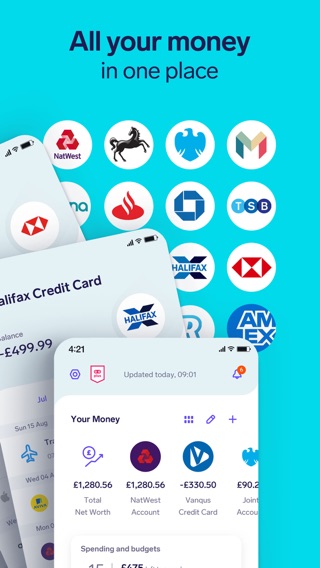
See all your money
in one place
“Improve your personal finances with our easy-to-use money manager app, letting you save cash plus lots more.”
— official App Store description
- App Store
- 4.63 ★
- Google Play
- 4.43 ★
- Category
- Finance
- On the store since
- 2020
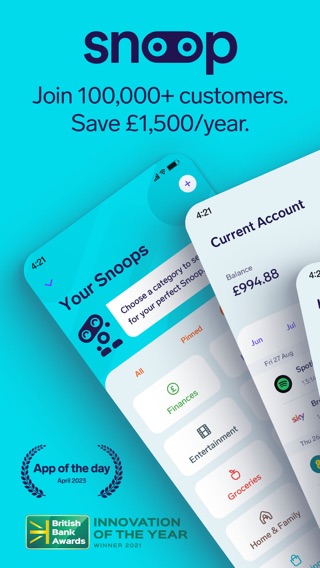
Screenshots from the official listing
What Snoop is
Snoop is a personal money management app for iPhone and Android. You connect your bank accounts to see all your spending, bills and budgets on one dashboard, get spending insights and monitor your balance from payday to payday. It is published by USNOOP LIMITED.
Features
What the app offers
All accounts in one dashboard
“Connect accounts and manage all your money in one dashboard”
Track every penny
“Track where every penny goes with money management tools”
Instant budget
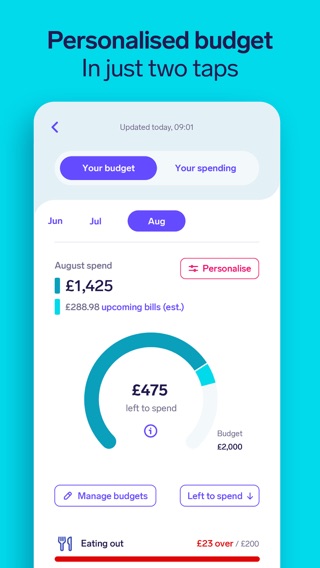
“Set an instant budget for your monthly spend with our budget planner”
Spending by category
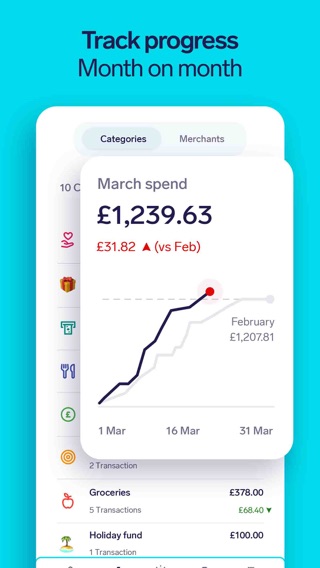
“Track finances and analyse your spending across different categories”
Smart spending ideas
“Spot where you can save money with smart spending ideas”
Subscription tracker
“Uncover & cancel subscriptions with our subscription tracker”
Getting started in three steps
Download the app
Free to install from the App Store or Google Play.
Connect your accounts
Link your bank accounts to bring all your money into one dashboard.
Track and budget
Set a budget, watch your spending by category and get alerts before payday.
The average store ratings
We publish only the official store averages, with a link to the source. Individual reviews are not reproduced here.